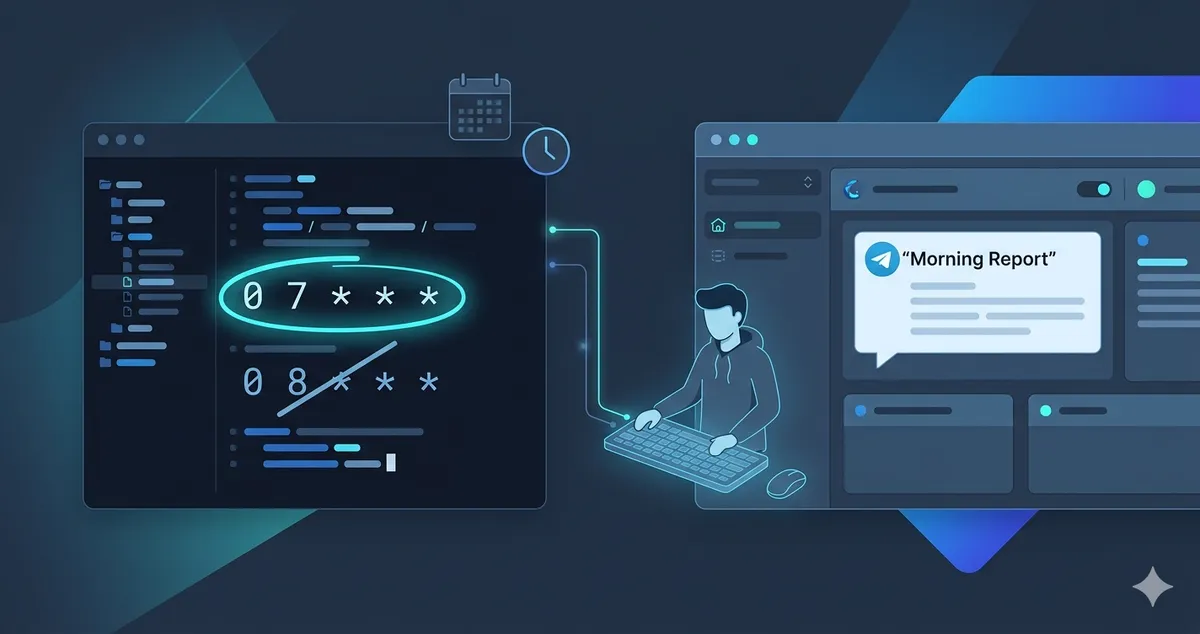

When My OpenClaw Agent “Forgot” the Time: Debugging Cron vs MEMORY Drift
If you’re using OpenClaw as a personal assistant, sooner or later you’ll schedule something recurring: a daily report, a forecast, an inbox summary, whatever.
I hit a subtle bug where my agent started “forgetting” when to send a report. Some mornings it showed up at 7am, other days at 8am, and sometimes it failed with a cryptic warning. The root cause wasn’t magic, just two different sources of truth fighting each other: MEMORY.md and a stale cron job.
This post walks through what happened, how I debugged it, and a pattern you can reuse so your own OpenClaw agents don’t drift out of sync.
Context: A Simple Daily Report
The setup:
- I have an OpenClaw agent wired to Telegram.
- Every morning, it generates a Tong Shu–style outlook and sends it to me in a Telegram chat.
- I wanted it to run automatically on a schedule, no manual prompts.
Initial behavior
Originally, I asked the agent for:
- A daily report.
- Delivered at 8:00am every morning.
It worked. Then I decided I wanted the report earlier and told the agent:
“Change it to 7:00am every morning instead.”
That’s when things got weird.
The Symptom: Unstable Timing and Warnings
After changing the time via chat:
- Some days the report arrived around 7:00am.
- Some days it still came at 8:00am.
- Occasionally, I saw a Telegram warning:
⚠️ Agent couldn’t generate a response. Note: some tool actions may have already been executed — please verify before retrying.
So the agent wasn’t just late; it was inconsistent.
This is usually a hint that:
- The agent is calling tools (like cron APIs),
- Something is failing mid-run,
- But partial actions might still be happening behind the scenes.
In other words: it’s not just “chat memory” behaving oddly; the automation layer is involved.
The Discovery: Two Schedulers, Two Truths
Once I dropped into the terminal, I found the real culprit.
1. System cron
First, I checked my user/system cron:
crontab -lI saw:
0 7 * * * /root/.openclaw/workspace/generate_tong_shu_report.shSo there was a classic cron job running a shell script at 7:00am.
2. OpenClaw gateway cron
Then I checked OpenClaw’s own scheduler:
openclaw cron listOutput (simplified):
ID Name Scheduleed96e1f0-0fb3-472d-9d66-b09d4d618da8 Daily Tong Shu outloo... cron 0 8 * * * @ Australia/MelbourneThis told me:
- OpenClaw’s gateway cron had a job still scheduled at 8:00am.
- That job was directly targeting my Telegram chat.
- Inside that job, the
message/promptstill contained the old instructions (the “8am version”).
Meanwhile, MEMORY.md was correct
In MEMORY.md, I had already updated the rule to say:
- The report should run at 7:00am.
- It should generate today’s Tong Shu outlook and send it to Telegram.
So I had:
- Correct behavior in MEMORY.md.
- Old behavior embedded in the OpenClaw cron job.
- A separate system cron job running a script at 7:00am.
No wonder the agent seemed “confused”:
- Sometimes the shell script job did its thing at 7.
- Sometimes the OpenClaw cron job fired at 8 with stale instructions.
- Tool runs and memory retrieval collided in odd ways.
Step 1: Pick a Single Owner for the Schedule
The first fix was architectural: decide who owns the schedule.
I chose to make OpenClaw’s cron scheduler the single source of truth for when the Telegram report runs, and remove the duplicate system cron.
So I:
-
Kept the OpenClaw cron job.
-
Removed the system cron entry:
Terminal window crontab -eDeleted:
Terminal window 0 7 * * * /root/.openclaw/workspace/generate_tong_shu_report.sh
Now, if the report fires, I know it’s coming from openclaw cron, not the OS-level cron.
Step 2: Fix the OpenClaw Cron Job
With only one scheduler left, I focused on cleaning up that job.
Inspect the existing job
openclaw cron show ed96e1f0-0fb3-472d-9d66-b09d4d618da8This showed:
Schedule:cron 0 8 * * * @ Australia/Melbourne- A
message/promptfield containing the old instructions (for 8am).
So the gateway cron job itself was out of date.
Edit schedule and prompt
I wanted:
- Time: 7:00am daily.
- Behavior: “Do whatever the updated MEMORY.md rule for this report says.”
In my version of OpenClaw, you can edit the cron job with something like:
openclaw cron edit ed96e1f0-0fb3-472d-9d66-b09d4d618da8 \ --cron "0 7 * * *" \ --message "Follow the 'Morning Tong Shu report' rule in MEMORY.md for today and send the summary to this Telegram chat."Notes:
- Some builds use
--promptinstead of--message. If one flag errors, try the other. - The key idea: don’t re-embed all the details; just point to the rule in MEMORY.
Verify and test
After editing, I checked:
openclaw cron show ed96e1f0-0fb3-472d-9d66-b09d4d618da8Now the schedule showed 7:00am, and the message pointed at the MEMORY rule instead of hardcoding an outdated prompt.
Then I forced a manual run:
openclaw cron run ed96e1f0-0fb3-472d-9d66-b09d4d618da8A fresh Tong Shu-style report appeared in Telegram, matching the instructions in MEMORY.md. The system cron job was gone, and the gateway cron job was up to date.
Step 3: A Better Pattern for Cron + MEMORY
The root cause wasn’t “AI weirdness”; it was duplicated logic.
Originally, I had:
- Detailed instructions in
MEMORY.md. - A copy of those instructions (plus the time) baked into the cron job’s prompt.
When I changed the behavior, I updated MEMORY.md but not the cron job. They drifted. The agent kept seeing a mix of old and new instructions.
A saner design
Here’s the pattern I’m adopting going forward:
-
Behavior lives in memory (or a rule file).
- Example: a named rule in
MEMORY.mdlike “Morning Tong Shu report” that describes exactly what to generate and any constraints (length, tone, timezone).
- Example: a named rule in
-
Cron just triggers and routes.
- Cron’s job is:
- When to run (cron expression + timezone).
- Where to send the result (e.g., a Telegram chat).
- A short, stable message like:
“Run the ‘Morning Tong Shu report’ workflow defined in MEMORY.md for today and send the result here.”
- Cron’s job is:
With that division:
- To change what the report contains → edit
MEMORY.md. - To change when it runs → edit the cron schedule only.
- You’re not maintaining two copies of the logic.
Step 4: How to Ask the Agent to Update Both Next Time
The last piece is phrasing your instructions in chat so the agent updates both MEMORY and cron, instead of stopping after touching memory.
Here’s a template you can adapt:
“Please update my Morning Tong Shu report setup:
– The report should now run at 7:00 every morning.
– First, update the relevant rule in MEMORY.md so it clearly says 7:00 and ignores any older instructions mentioning 8:00.
– Then update the existing cron job that schedules this report (do not create a new job): change its schedule to 7:00 and keep its message as a pointer to the updated MEMORY rule.
Finally, summarize what you changed, including the cron job ID, its schedule, and its message.”
This does a few important things:
- Clearly separates: memory update vs cron update.
- Asks the agent to modify the existing cron job, not create duplicates.
- Forces a summary so you can visually verify the job ID, schedule, and prompt.
Takeaways for New OpenClaw Users
If you’re just starting to tinker with OpenClaw agents as personal assistants, here’s what this experience taught me:
- Don’t let system cron and OpenClaw cron both own the same task unless you have a very clear reason. Pick one scheduler as the source of truth.
- Avoid duplicated behavior in cron prompts. Keep detailed logic in
MEMORY.md(or a dedicated rules file) and make cron messages small, stable pointers to those rules. - When you “change the schedule” using chat:
- Explicitly ask the agent to update both the memory entry and the existing cron job.
- Ask it to summarize the changes (job ID, schedule, and message) so you can confirm in the terminal if needed.
Once I cleaned this up, my OpenClaw agent stopped “forgetting” the time. The Tong Shu report now shows up at a consistent 7am, with one rule, one cron job, and much less mystery.
If you’ve run into similar agent weirdness with OpenClaw, especially around schedules or memory, this “single source of truth” pattern is worth trying. It’s less about “AI alignment” and more about basic software engineering: don’t duplicate logic, and make your tools point at the same ground truth.