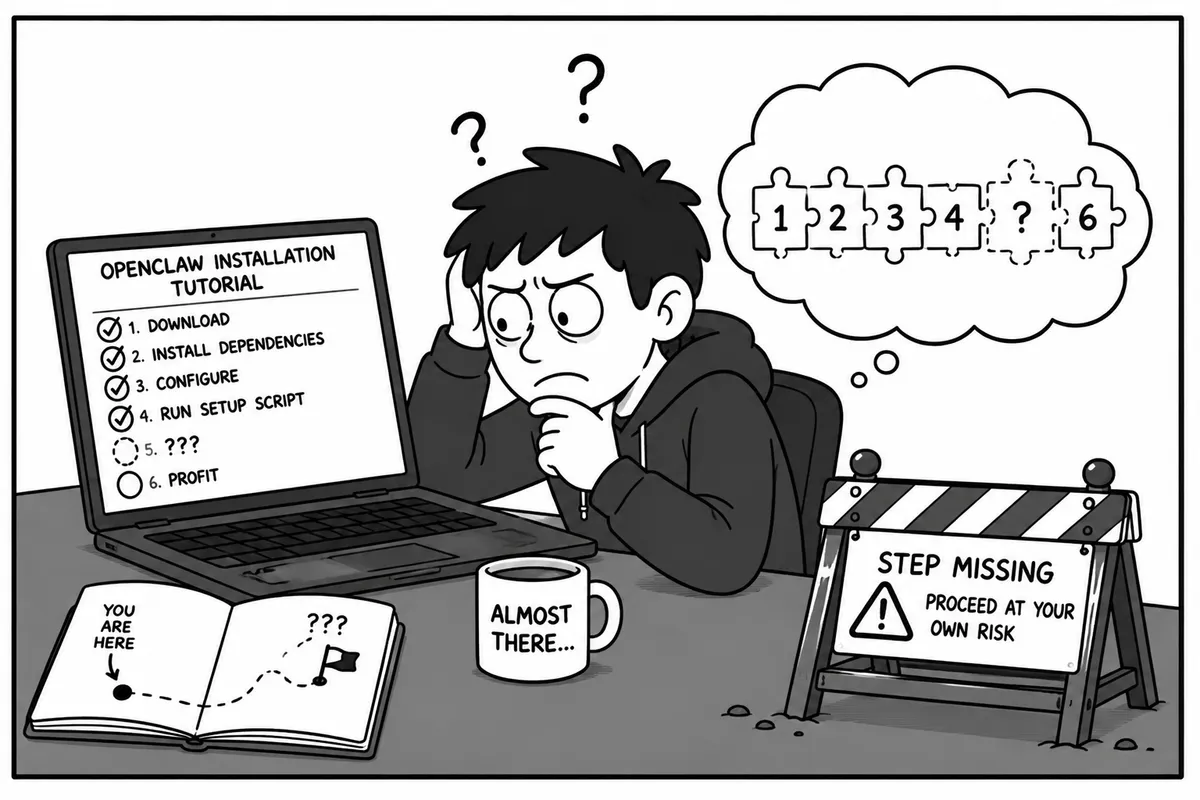
The OpenClaw VPS install: Escaping the Onboarding Loop on Hostinger
After hitting a performance wall trying to run local models on my 8GB RTX 3060, I changed my strategy. If a local machine can’t comfortably sustain an agentic workflow, the logical next step is the cloud.
Naturally, I stumbled across NetworkChuck’s viral video showcasing how to set up OpenClaw (the massive open-source agent runtime taking over the dev community) on a Hostinger KVM 2 VPS plan.
On paper, Hostinger’s 2 vCPU / 8GB RAM cloud instance combined with OpenClaw’s onboarding quickstart script sounded like a 10-minute victory. In practice, I found myself stuck in an configuration loop fighting API gatekeepers.
The Promise vs. The Reality
The OpenClaw quickstart wizard is beautiful. It spins up, asks a few questions, and attempts to wire your agent’s brain together. But as anyone building production-grade workflows knows, the “happy path” in a YouTube tutorial rarely accounts for real-world enterprise security.
Here are the three specific roadblocks I hit while trying to get the agent operational.
Roadblock 1: The Missing Claude Environment
NetworkChuck’s setup breezes through model connection, but out of the box on a raw KVM VPS, the environment variable bindings for Anthropic weren’t natively hooked up to the OpenClaw core paths. The wizard expected a pre-configured environment shell that simply didn’t exist yet on a fresh Linux instance, leaving the initial execution hanging.
Roadblock 2: Anthropic’s Tight Security Lockdown
Once I manually fed the Claude API keys into the system, I hit a massive wall. Anthropic has heavily tightened security infrastructure around automated headless environments. Because OpenClaw operates as an autonomous background service executing system-level tools, Anthropic’s fraud and risk models flagged the API calls coming from a generic hosting provider IP address, refusing to let Claude execute commands via the OpenClaw runtime.
Roadblock 3: The “Quickstart Reset” Penalty Box
Frustrated by Claude’s lockdown, I switched gears to Google Gemini, which worked absolutely flawlessly right out of the gate.
However, this revealed a structural quirk in the early OpenClaw setup utility: every single time you have to fix a configuration roadblock or switch an upstream LLM provider, you have to re-run the entire onboarding quickstart wizard from scratch. Instead of an individual config file I could hot-reload, I had to keep rebuilding the agent’s parameters sequentially just to test a single API pivot.
The Breakthrough: Giving the Agent an Identity
After cycling through the quickstart script a few times to dial in the Gemini API integration, the system finally successfully provisioned and initialized.
The payoff of OpenClaw happens immediately after the technical headaches subside. Once the backend connection stabilized, I was finally able to sit down and configure my agent’s persona, operational boundaries, and system behavior:
🤖 Agent Status: ONLINE🧠 Core Engine: Gemini Pro (via Cloud API)🎯 Identity: Systems & Automation Architect